


Our Knowledge Base Has Moved
The New Page landing page for the Knowledge Base is https://product.korbyt.com/help
The new version of this specific article can be found at: https://product.korbyt.com/help/articles/8154797-brightsign-configuration-instructions-using-bsn-cloud
Please update any of your bookmarks to the new Knowledge Base
For assistance on using the new Knowledge Base, we have a Welcome to the New Korbyt Knowledge Base guide
The new Korbyt Product Page also has sections for submitting feedback on system improvements, a view of our Roadmap of upcoming enhancements, and a change log of all updates.

BrightSign devices have their own cloud control system, BSN Cloud, which is used to manage the hardware level settings, including installing the Korbyt partner application that will allow your device to connect to your Korbyt Tenant.
You will need to connect your player to a BSN Cloud account before it can be connected to Korbyt.
BrightSign BSN Resources
BrightSign provides guidance in videos and articles for creating or using your BSN Cloud to install a partner application.
- BrightSign Support Provisioning Article
- Partner Application Setup
- If you have installed a Wi-Fi card in your Brightsign (not default equipment) you will need to Configure Network in BSN/Bright Auther
CAUTION: Ensure your Brightsign device is on an appropriate version of Brightsign Firmware
The Supported Hardware Article has a grid that reviews the current supported firmware version for different Brightsigns
If your Brightsign player’s Firmware is not on one of the supported versions, you may find that you lose some player functionality while using the Korbyt software.
If you need instructions for getting your player on the correct firmware please reference our firmware upgrade and downgrade article HERE
During this process, your player may restart several times.
Once your BrightSign has loaded the Korbyt Player Software, you should see the blue Korbyt provisioning screen with your player’s unique token.
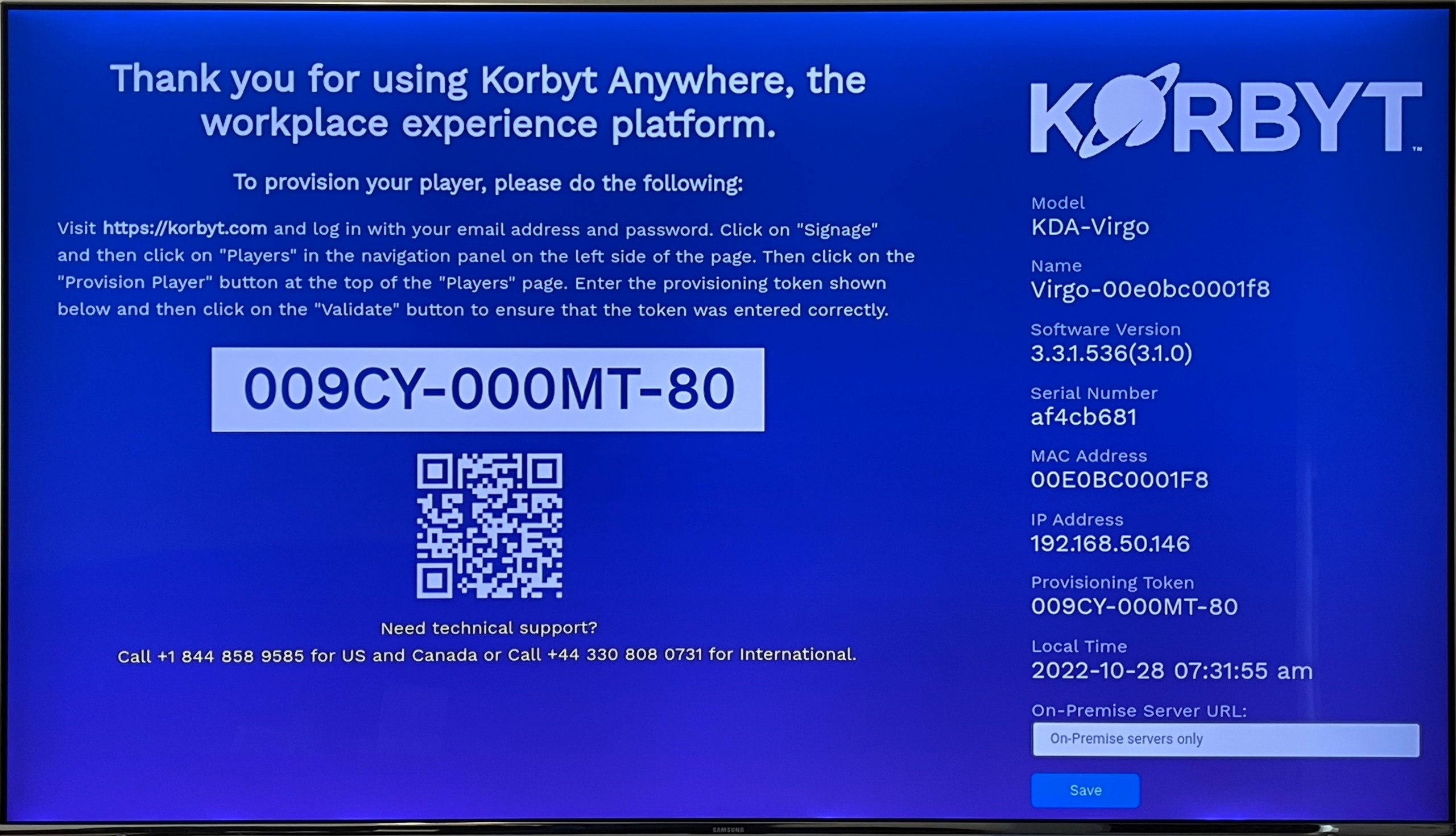
Or if your player was provisioned in advance, it will be playing either default content or assigned content.
If you need assistance provisioning your player to Korbyt once the software is running, please see:
