


Our Knowledge Base Has Moved
The New Page landing page for the Knowledge Base is https://product.korbyt.com/help
The new version of this specific article can be found at: https://product.korbyt.com/help/articles/7681581-newsfeed-posts#6kcl665qwxl
Please update any of your bookmarks to the new Knowledge Base
For assistance on using the new Knowledge Base, we have a Welcome to the New Korbyt Knowledge Base guide
The new Korbyt Product Page also has sections for submitting feedback on system improvements, a view of our Roadmap of upcoming enhancements, and a change log of all updates.

Korbyt provides the option to create a draft Signage Layout when publishing a new Image, Video, or Article Post to your Mobile & Web news feed.
The feature is not available for other post types at this time
This will allow easier use of content across multiple communication channels
This option is available when adding a post in the Post Setting section on the right of the screen
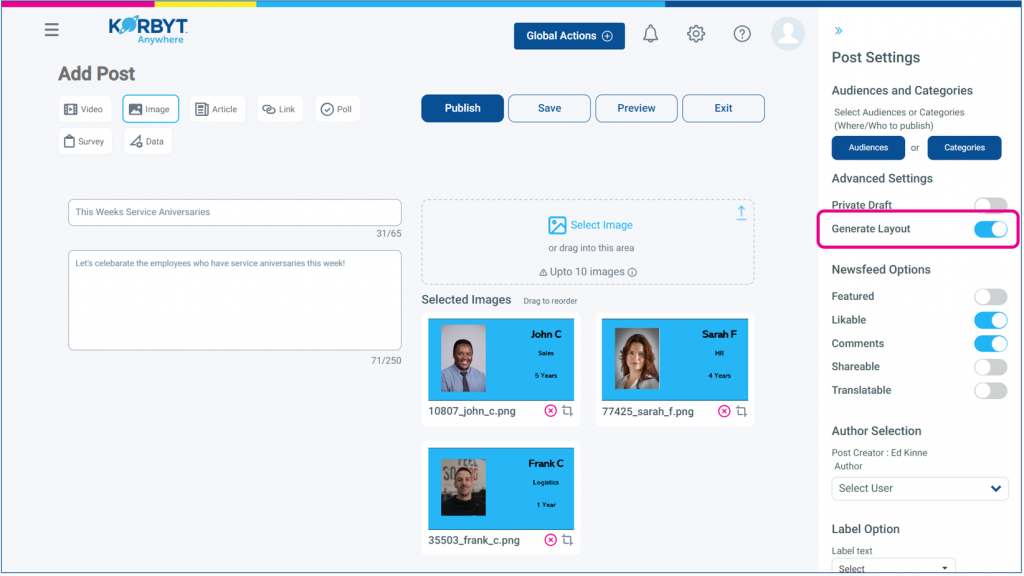
This option will produce a Layout the when the post moves from a Draft to a Published status.
After constructing your and publishing your Post a new Layout will be created in draft status.
The name of the Layout will be the Title from the Post.
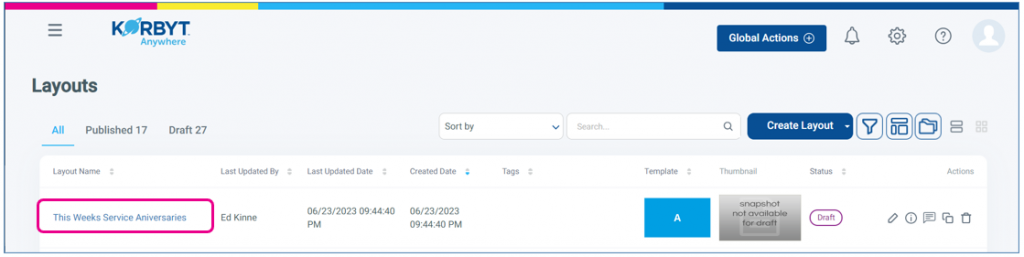
This new layout will have been created with Two Elements populated
- A Text Note Element at the top with the Text from the Title of the Article
- A media element that will vary based on the media in the post
- A Video Element will be created from a Video Post
- An Image Element will be created from an Image Post or an Article Post with 1 Image
- A Carousel Element will be created from an Image Post or an Article Post with multiple images
- Default 10 sec view time and a face transition for each item
- Positioned using the Cover sizing mode
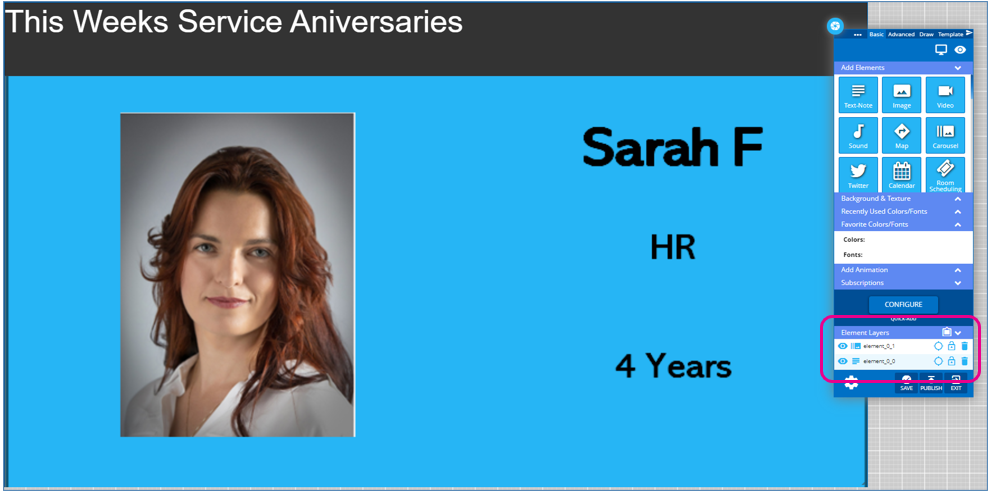
This new layout can be further edited as normal using the Builder Tool, and published to Playlists.
If you do not see this option present in your Mobile & Web tenant please contact your Korbyt Support team so that it can be turned on.
