Our Knowledge Base Has Moved
The New Page landing page for the Knowledge Base is https://product.korbyt.com/help
Guides for the Elements can be found at: https://product.korbyt.com/help/articles/6713513-layout-and-message-builder-elements
Please update any of your bookmarks to the new Knowledge Base
For assistance on using the new Knowledge Base, we have a Welcome to the New Korbyt Knowledge Base guide
The new Korbyt Product Page also has sections for submitting feedback on system improvements, a view of our Roadmap of upcoming enhancements, and a change log of all updates.

NOTE: The document must be saved in an open format and imported into the Media Library.
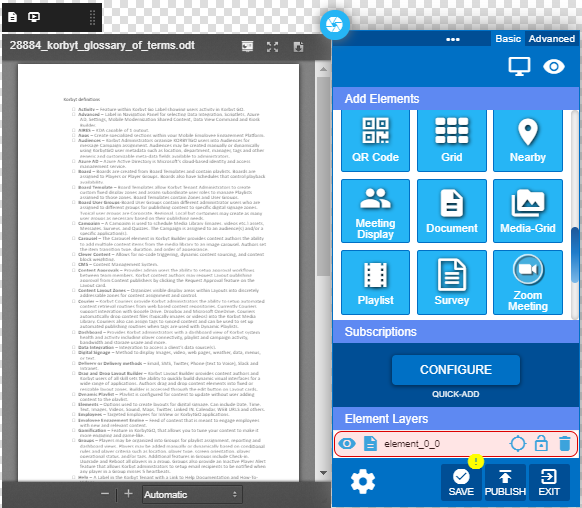
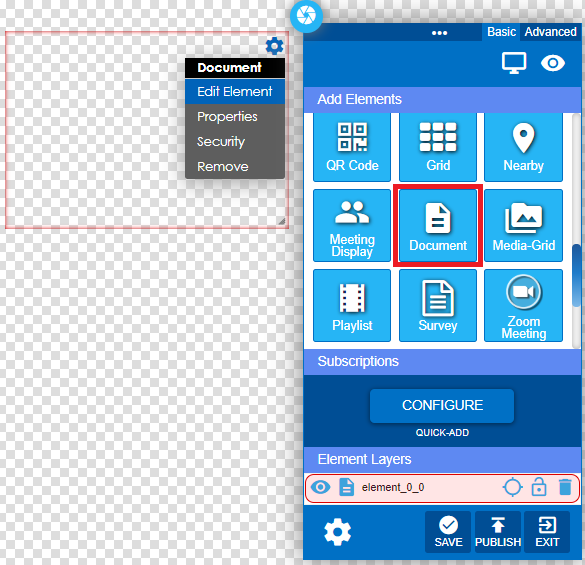
- From within the layout, click and drag the Document Icon into the layout area and edit the element.
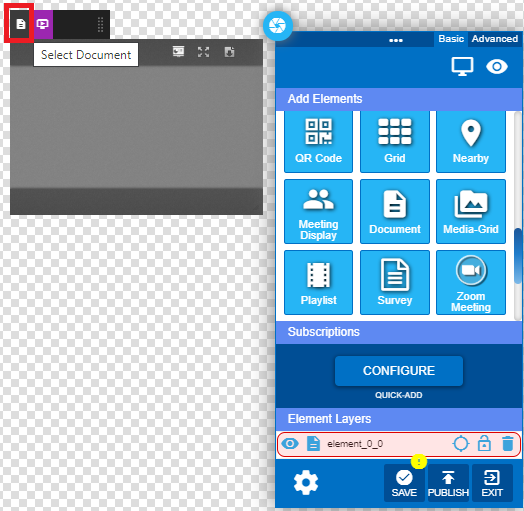
- Click on the Select Document button to select the document from the Media Library.
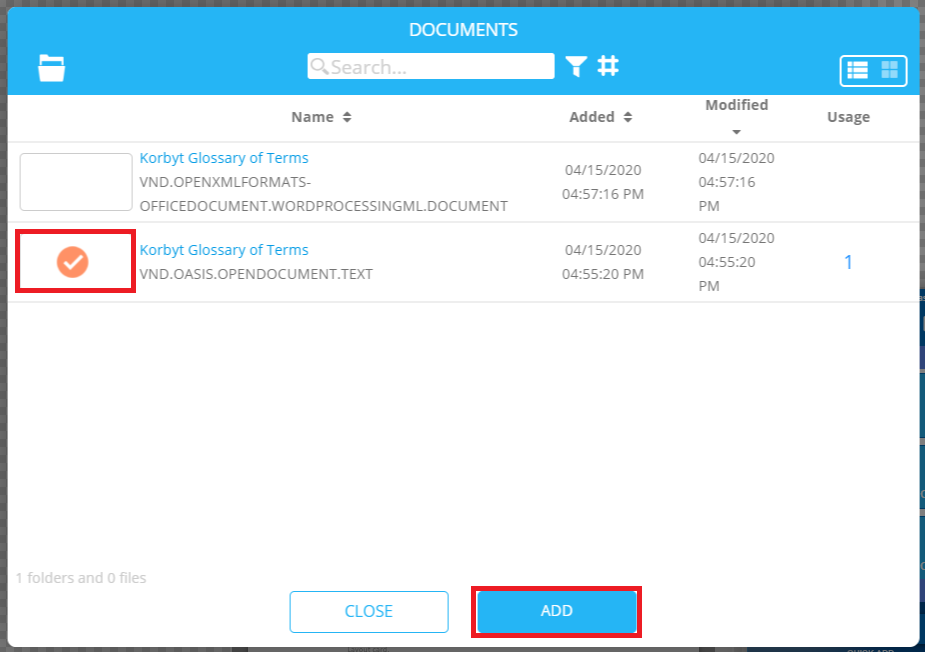
- Select the document and click the ADD button.
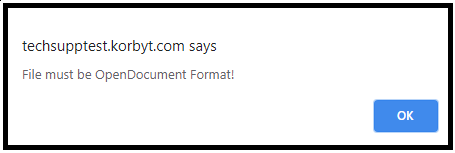
- Error will display if the file has not been saved in the OpenDocument format.
- Select document size options.
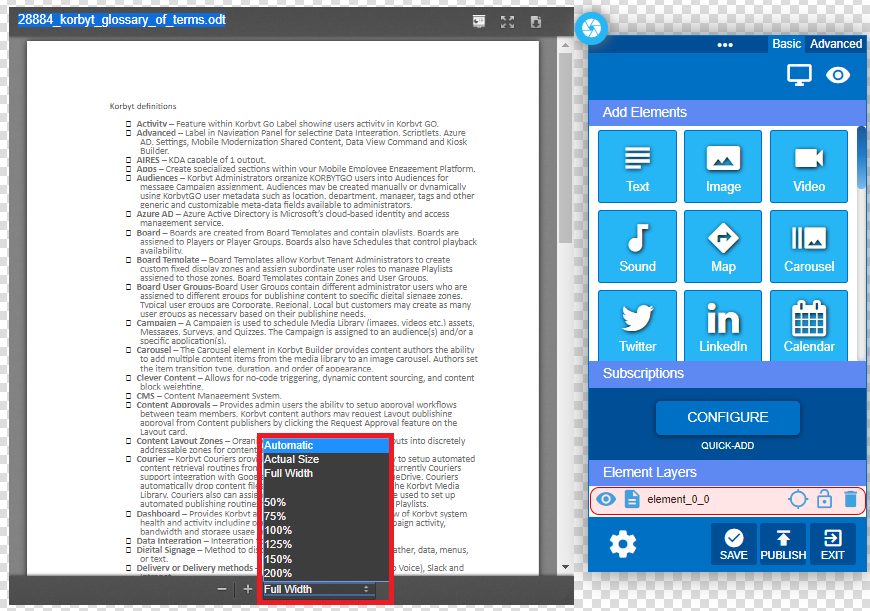
- Save the element and publish the layout.